What's new
What each version of the LingoHey browser extension added and fixed. Records start from 0.9.1.
Chrome updates extensions automatically. To get the new version right away, open chrome://extensions, turn on Developer mode and click Update. Install from the Chrome Web Store
Version 0.9.1
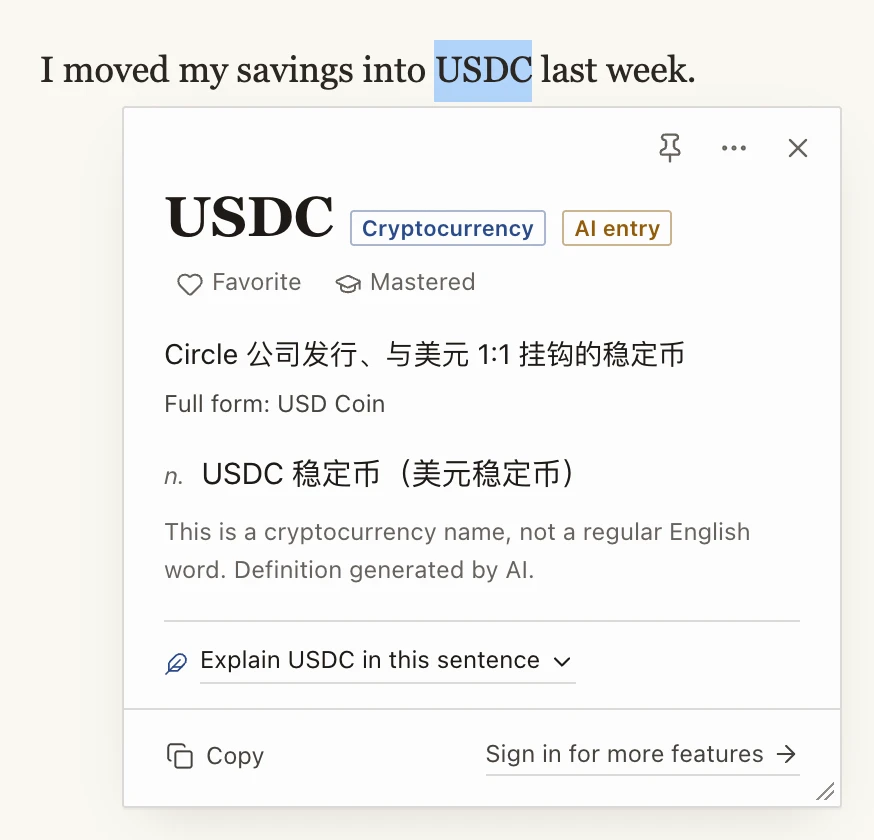
Words that aren't in the dictionary now work too: brand names, cryptocurrencies, abbreviations and programming terms get a short card explaining what they are (for example "cryptocurrency" or "abbreviation")
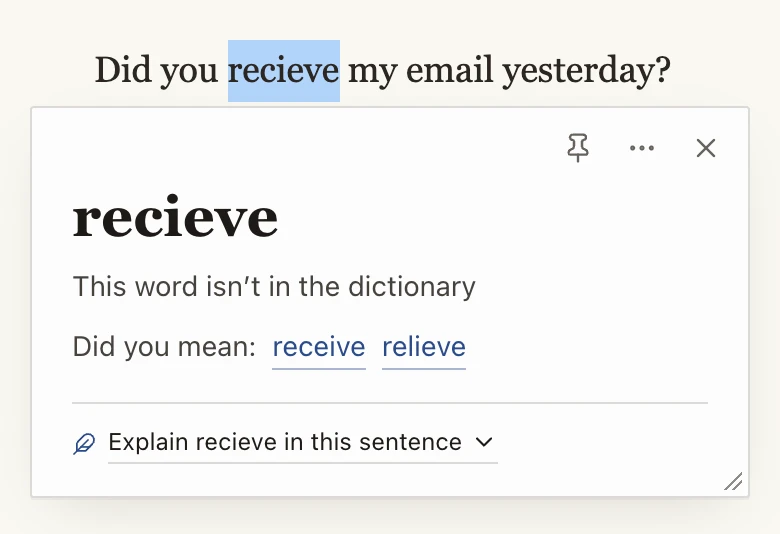
Misspelled words get "Did you mean…" suggestions you can click; for words the dictionary really doesn't have, you can still ask AI what the word means in your sentence
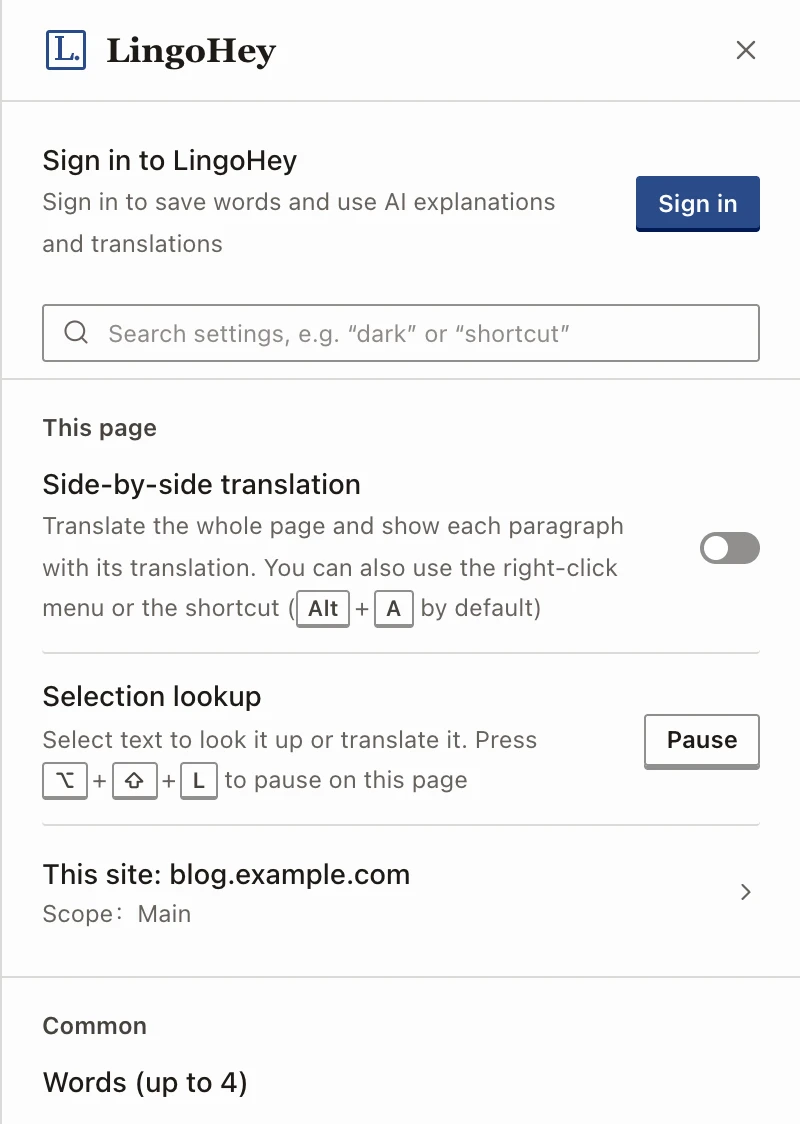
Reorganized settings: common options on the first page, a search box, and a new "This site" page for lookups, the floating bar and translation scope on the current site. A short welcome guide on first install helps you pick your language and how lookups are triggered
Settings can sync across your computers with your Chrome account (turn on Extensions sync in Chrome)
"Explanation and translation language" is now a single setting, and machine translation on web pages follows it: Traditional Chinese gives Traditional Chinese translations; English skips English-to-English translation and goes straight to AI explanations
Fixed: abbreviations like Nov and Dec were treated as "word not found"; clicking AI explanation right after a page loaded sometimes showed the sign-in prompt even when signed in. When your AI allowance runs out, the reset time is now shown in your local time
Questions or suggestions?
Feedbacksoarfirework@lingohey.com